
Guide · Educational
ABC Halloween Controls - How to Play (Desktop & Mobile)
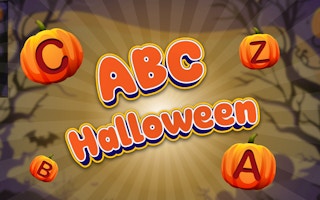
ABC Halloween
Play nowAdvertisement
Explore fun learning challenges in ABC Halloween, a free browser game that blends education with a spooky theme.
Desktop controls
Use the mouse to click on letters, objects, or answers, and press keyboard keys for typing responses or navigating menus. Arrow keys or WASD may help move a cursor or character across the screen.
Mobile controls
Tap on letters, objects, or answer choices, and swipe to navigate between screens or drag items into place. Pinch gestures can zoom in on detailed puzzles if needed.
Tips
- Hover over items with the mouse to see hints before clicking
- Tap carefully to select the right answer, avoiding accidental drags
- Use keyboard shortcuts like Enter to submit answers quickly
Sponsored
More about ABC Halloween
Play something similar





Advertisement