
Guide · Sports
Airplane Pilot Simulator Controls (Desktop)
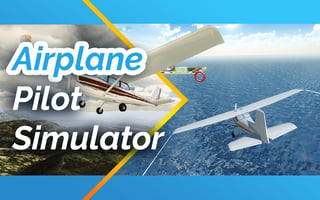
Airplane Pilot Simulator
Play nowAdvertisement
Take to the skies and experience realistic flight challenges in Airplane Pilot Simulator.
Desktop controls
Use the keyboard for throttle and pitch control, while the mouse handles the camera view and fine steering adjustments. Typical keys include W/S for speed, A/D for roll, and mouse movement for looking around.
Touch play
Not tested on touch screens.
Tips
- Keep an eye on your speed and adjust throttle gradually to maintain smooth flight
- Not tested on touch screens.
- Practice aligning the aircraft with the runway during takeoff and landing for better control
Sponsored
More about Airplane Pilot Simulator
Play something similar
See all






Advertisement