
Guide · Kids
Alphabet for Child Controls (Desktop)
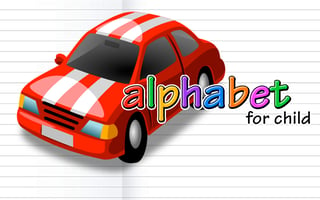
Alphabet for Child
Play nowAdvertisement
Alphabet for Child is an engaging educational game that helps kids learn letters through interactive play.
Desktop controls
Players typically use the mouse to click on letters or drag them into place, and the keyboard may be used for shortcuts like pressing a letter key to hear its sound.
Touch play
Not tested on touch screens.
Tips
- Not tested on touch screens.
- Use the mouse to drag letters into matching slots for better accuracy
- If a letter isn’t responding, try clicking it again or use the space bar to repeat the sound
Sponsored
More about Alphabet for Child
Play something similar
See all





Advertisement