
Guide · Animal
Angry Goat Simulator 3D Controls - How to Play (Desktop & Mobile)
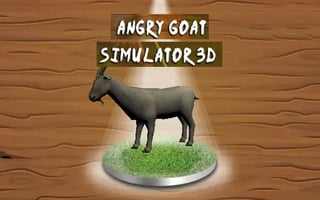
Angry Goat Simulator 3D
Play nowAdvertisement
Experience chaotic goat mayhem in a 3D world where you cause destruction and explore the environment.
Desktop controls
Use the mouse to look around and click to interact or cause mayhem, while the WASD keys let you move the goat forward, backward, and sideways; the spacebar typically makes the goat jump or perform a basic action.
Mobile controls
Tap and drag to steer the goat and swipe to make it jump or perform actions; on-screen buttons may appear for additional interactions like grabbing or headbutting objects.
Tips
- Use the mouse to aim your goat's head for precise destruction
- Press spacebar to jump over obstacles and reach higher areas
- On mobile, swipe quickly to perform sudden jumps and avoid hazards
Sponsored
More about Angry Goat Simulator 3D
Play something similar
See all







Advertisement