
Guide · Kids
App For Kids - Edu games Beginner's Guide - How to Get Started
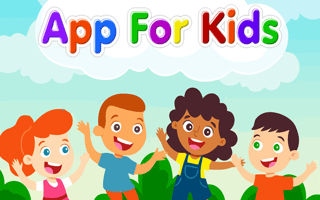
App For Kids - Edu games
Play nowAdvertisement
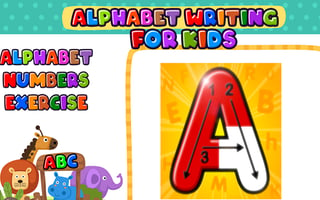
A bright, interactive collection of educational mini‑games designed for young children, offering fun ways to practice basic skills.
What is App For Kids - Edu games?
These games combine simple puzzles, matching activities, and early learning challenges that teach letters, numbers, shapes, and colors. The gameplay is click‑or‑click based, with clear visual cues and gentle feedback to keep kids engaged while they explore and learn.
First steps
- Click the start button to choose a learning category such as letters or numbers.
- Follow the on‑screen prompts to select a specific activity or game within that category.
- Use the mouse the screen to interact with objects, matching shapes or dragging letters to the correct spots.
- Listen to the audio instructions and repeat any spoken words if prompted.
- Complete the short tutorial level to become familiar with the controls and earn a simple reward.
Who it's for
Ideal for preschool‑age children who are beginning to develop foundational literacy and numeracy skills.
Sponsored
More about App For Kids - Edu games
Play something similar
See all



Advertisement