
Guide · Sports
Basketball Master 2 Controls (Desktop)
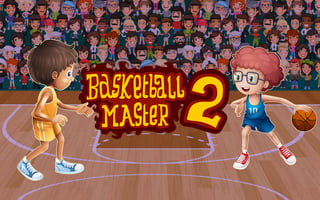
Basketball Master 2
Play nowAdvertisement
Take on the court and aim to score as many points as possible in Basketball Master 2.
Desktop controls
Use the mouse to aim your shots and click to shoot, while the keyboard arrows or WASD let you move your player around the court and position for rebounds.
Touch play
Not tested on touch screens.
Tips
- Adjust your aim by moving the mouse slowly for better accuracy
- Use the keyboard to quickly reposition for defensive plays
- Not tested on touch screens.
Sponsored
More about Basketball Master 2
Play something similar
See all





Advertisement