
Guide · Arcade
Battalion Commander Controls (Desktop)
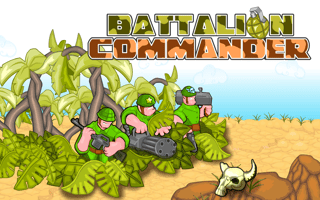
Battalion Commander
Play nowAdvertisement
Battalion Commander is a fast-paced arcade game that challenges players to navigate through levels, avoid obstacles, and overcome enemies using quick reflexes and strategic decision-making.
Desktop controls
On desktop, players can expect to use the mouse to aim and click to shoot, while using the keyboard to move their character and potentially access special abilities or power-ups. The W, A, S, and D keys or the arrow keys may be used for movement.
Touch play
Not tested on touch screens.
Tips
- Use precise mouse movements on desktop to accurately target enemies and avoid taking damage.
- Not tested on touch screens.
- Mastering the timing of your jumps and shots can significantly improve your survival rate and overall performance in the game.
Sponsored
More about Battalion Commander
Play something similar
See all







Advertisement