
Guide · Sports
Bowling Challenge Controls (Desktop)
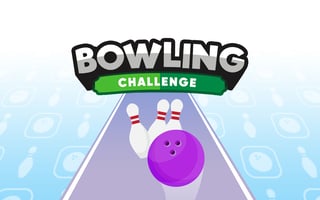
Bowling Challenge
Play nowAdvertisement
Test your aim and timing as you roll a virtual ball down the lane to knock down as many pins as possible.
Desktop controls
Use the mouse to set the ball's direction and power by clicking and dragging, or press the space bar to launch after adjusting aim with the arrow keys. Some versions let you use the mouse wheel to fine‑tune power before releasing.
Touch play
Not tested on touch screens.
Tips
- Aim slightly left or right of the pocket to increase strike chances
- Hold the power gesture longer for a stronger throw but maintain control
- Watch the lane oil pattern preview (if shown) to adjust your angle
Sponsored
More about Bowling Challenge
Play something similar
See all


Advertisement