
Guide · Sports
Bowling Hero Multiplayer Controls (Desktop)
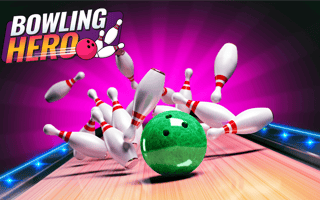
Bowling Hero Multiplayer
Play nowAdvertisement
Compete in fast‑paced bowling matches against friends or strangers in this online sports title.
Desktop controls
Use the mouse to aim your ball and set power by dragging or clicking, then press a key (e.g., space) to release; arrow keys can also adjust aim or spin if supported.
Touch play
Not tested on touch screens.
Tips
- Align your shot with the lane markers for better accuracy
- Use a smooth, consistent drag to control power rather than quick jerks
- Watch the ball’s trajectory and adjust spin in subsequent rolls to correct missed pins
Sponsored
More about Bowling Hero Multiplayer
Play something similar
See all




Advertisement