
Guide · Kids
Brain Doctor Controls (Desktop)
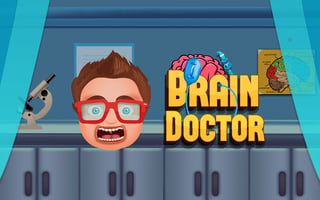
Brain Doctor
Play nowAdvertisement
Brain Doctor is a fun, kid‑friendly browser game that challenges players to solve simple puzzles and help a cartoon doctor think fast.
Desktop controls
Players typically use the mouse to click on objects or drag items, and the keyboard’s arrow keys or space bar for quick actions like jumping or confirming choices.
Touch play
Not tested on touch screens.
Tips
- Not tested on touch screens.
- Use the mouse cursor to drag items smoothly across the screen
- If a keyboard shortcut is mentioned, press the space bar or arrow keys for quick actions
Sponsored
More about Brain Doctor
Play something similar
See all



Advertisement