
Guide · Simulation
Bus Driver Simulator 3D Controls (Desktop)
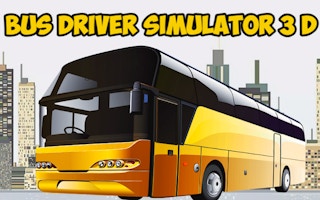
Bus Driver Simulator 3D
Play nowAdvertisement
Step into the driver’s seat and manage routes, passengers, and traffic in a realistic bus driving experience.
Desktop controls
Use the WASD or arrow keys to steer, accelerate, and brake, while the mouse handles camera angles and UI interactions such as selecting routes or adjusting settings.
Touch play
Not tested on touch screens.
Tips
- Keep an eye on speed limits and adjust braking accordingly
- Use the camera controls to anticipate traffic and plan lane changes
- Follow the route markers to stay on schedule and avoid missing stops
Sponsored
More about Bus Driver Simulator 3D
Play something similar
See all







Advertisement