
Guide · Simulation
Car Mechanic Simulator 2025 Controls (Desktop)
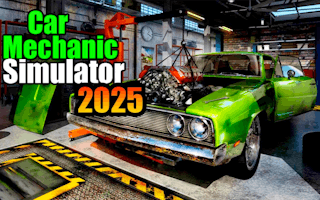
Car Mechanic Simulator 2025
Play nowAdvertisement
Step into the world of automotive repair and manage every aspect of a garage in this simulation game.
Desktop controls
Use the mouse to select tools, parts, and vehicles, and click‑drag to move components; keyboard shortcuts often handle actions like confirming repairs (Enter) or switching between menus (Tab).
Touch play
Not tested on touch screens.
Tips
- Hover over parts to see tooltips before interacting
- Use right‑click (or long‑press) to access context menus for faster actions
- Not tested on touch screens.
Sponsored
More about Car Mechanic Simulator 2025
Play something similar
See all







Advertisement