
Guide · Arcade
Cartoon Bricks Controls (Desktop)
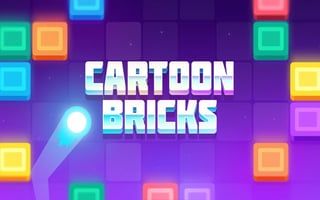
Cartoon Bricks
Play nowAdvertisement
Cartoon Bricks is a fast-paced arcade game that challenges players to navigate through levels filled with obstacles and puzzles.
Desktop controls
On desktop, players can use the mouse to navigate menus and the keyboard to control in-game movements, such as moving left and right or jumping. Keyboard controls may also include actions like shooting or throwing objects.
Touch play
Not tested on touch screens.
Tips
- Use precise timing to execute jumps and avoid obstacles
- Get familiar with the game's control response time to improve movement accuracy
- Experiment with different control combinations to find what works best for you
Sponsored
More about Cartoon Bricks
Play something similar
See all





Advertisement