
Guide · Simulation
Crazy Goose Simulator Controls (Desktop)
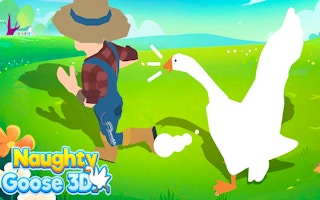
Crazy Goose Simulator
Play nowAdvertisement
Experience the quirky life of a goose as you wander, explore, and cause mischief in an open‑world simulation.
Desktop controls
Use the mouse to look around and click to interact with objects, while keyboard keys (WASD or arrow keys) move the goose and other keys (e.g., Space) trigger actions like honking or picking up items.
Touch play
Not tested on touch screens.
Tips
- Click on objects you want to interact with rather than just walking past them.
- Use the mouse wheel or scroll gestures to zoom in for precise actions.
- Not tested on touch screens.
Sponsored
More about Crazy Goose Simulator
Play something similar
See all







Advertisement