Guide · Fighting
Dark War - Frequently Asked Questions
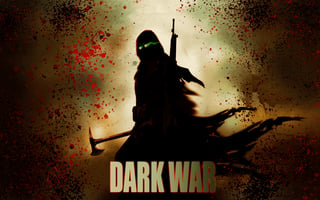
Is Dark War free to play in my browser?
Yes, Dark War can be played for free directly in your web browser on Pixelsprout, with no download required.
Can I play Dark War on a mobile device?
Not tested on touch screens.
What are the basic controls for fighting in Dark War?
Use the arrow keys or WASD to move, and the Z, X, C keys (or corresponding on-screen buttons) for light, medium, and heavy attacks, plus a key for blocking.
How hard is the difficulty curve in Dark War?
The early rounds are forgiving for newcomers, but later opponents become faster and use more combos, encouraging practice and timing.
What makes Dark War enjoyable compared to other browser fighters?
Its responsive controls, varied character move sets, and the ability to chain attacks create a satisfying rhythm for players who like fast-paced combat.
Why do I sometimes get stuck on certain opponents?
Many players overlook the timing of blocks and counters; learning to anticipate enemy patterns and using defensive moves can break the stalemate.
Is there a way to customize controls or key bindings?
Yes, the settings menu lets you reassign keys to suit your preferred layout, which is helpful on different devices.