
Guide · Sports
Darts Pro Multiplayer Controls (Desktop)
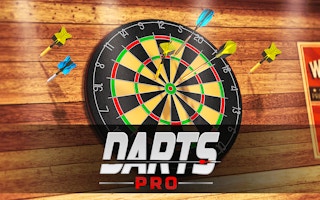
Darts Pro Multiplayer
Play nowAdvertisement
Darts Pro Multiplayer lets you compete in quick dart‑throwing matches against friends or online opponents.
Desktop controls
Use the mouse to aim the dart by moving the cursor across the board, then click to set power and release; keyboard shortcuts may let you adjust aim or confirm throws quickly.
Touch play
Not tested on touch screens.
Tips
- Practice steady mouse movements to improve accuracy
- Use the power meter (if present) to control throw strength
- Not tested on touch screens.
Sponsored
More about Darts Pro Multiplayer
Play something similar
See all







Advertisement