
Guide · Drawing
Dogat Controls (Desktop)
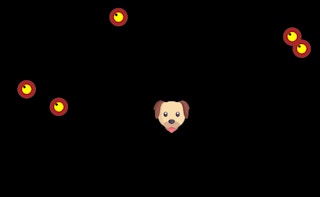
Dogat
Play nowAdvertisement
Dogat lets you draw and interact with a playful dog using simple controls.
Desktop controls
Use the mouse to draw lines or shapes on the canvas, and click to place objects or trigger actions; keyboard shortcuts may let you switch tools or clear the screen.
Touch play
Not tested on touch screens.
Tips
- Hold the mouse button longer to create thicker lines
- Not tested on touch screens.
- Use the space bar (or a toolbar button) to toggle between drawing and erasing
Sponsored
More about Dogat
Play something similar
See all

Advertisement