
Guide · Animal
Eat To Evolve Controls - How to Play (Desktop & Mobile)
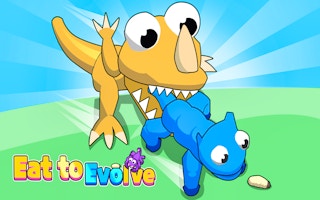
Eat To Evolve
Play nowAdvertisement
Eat To Evolve is a simple animal-themed browser game where you grow by consuming smaller creatures.
Desktop controls
Use the mouse to move your creature around the arena, clicking to dash or perform actions, while keyboard arrows or WASD can also steer and spacebar may trigger a boost.
Mobile controls
Drag your finger across the screen to guide the animal’s movement, tapping to activate short bursts of speed or special actions.
Tips
- Keep your creature moving to avoid larger predators
- Tap or click near food items to quickly eat them
- Use short bursts of speed sparingly to escape danger
Sponsored
More about Eat To Evolve
Play something similar
See all





Advertisement