
Guide · Simulation
Emergency Dispatcher 911 Controls (Desktop)
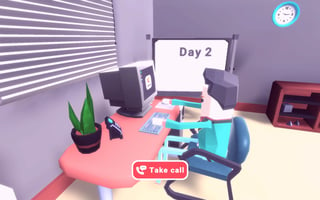
Emergency Dispatcher 911
Play nowAdvertisement
Take charge of emergency calls and coordinate response units in this realistic dispatch simulation.
Desktop controls
Use the mouse to click on incoming call icons and drag units onto the map, while keyboard shortcuts let you quickly select different response types and confirm dispatches.
Touch play
Not tested on touch screens.
Tips
- Use keyboard shortcuts to switch between police, fire, and medical units quickly.
- Zoom out to see the whole city layout before assigning resources.
- Prioritize high‑severity calls to keep response times low.
Sponsored
More about Emergency Dispatcher 911
Play something similar
See all







Advertisement