
Guide · Sports
Flipper Dunk 3D Controls (Desktop)

Flipper Dunk 3D
Play nowAdvertisement
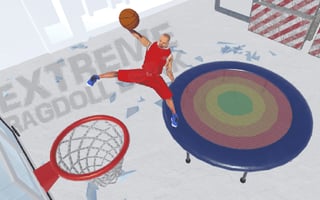
Flipper Dunk 3D lets you shoot hoops in a fast‑paced 3‑D basketball setting using simple controls.
Desktop controls
Use the mouse to aim your shots and click or press a key to launch the ball; arrow keys or WASD can be used to move around the court or adjust your position.
Touch play
Not tested on touch screens.
Tips
- Practice steady aiming before taking a shot to improve accuracy
- Use the backboard when you’re far from the hoop to increase your chances of scoring
- Adjust your position after each miss to find a better angle for the next attempt
Sponsored
More about Flipper Dunk 3D
Play something similar
See all






Advertisement