
Guide · Arcade
Frog Byte - Frequently Asked Questions
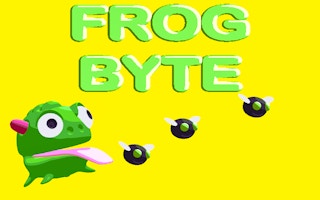
Is Frog Byte free to play?
Yes. Frog Byte plays free in your browser on Pixelsprout.
Can I play Frog Byte on my mobile device?
Not tested on touch screens. Frog Byte is free to play in your web browser on Pixelsprout, with no download.
What are the basic controls for Frog Byte?
The game's controls typically involve using the arrow keys to navigate and interact with the game environment. Players can also use additional keys or buttons for special actions or abilities.
How difficult is Frog Byte to play?
Frog Byte, like many arcade games, starts with relatively easy levels but gradually increases in difficulty as players progress. The game requires quick reflexes, timing, and strategy to overcome challenges and obstacles.
What makes Frog Byte fun to play?
Frog Byte offers a unique blend of action, puzzle-solving, and exploration, making it an engaging and entertaining experience for players. The game's fast-paced nature and increasingly challenging levels keep players motivated to improve their skills and progress.
I'm getting stuck on a particular level - what should I do?
If you're having trouble with a specific level, try to identify the obstacles or challenges that are causing you to get stuck. Experiment with different approaches, such as changing your timing or strategy, to find a solution that works for you.
How do I track my progress and compare it with other players?
Frog Byte likely includes features such as leaderboards, score tracking, and achievements, allowing players to monitor their progress and compete with others. Players can access these features from the game's main menu or through an in-game dashboard.







