
Guide · Animal
Froggee Controls - How to Play (Desktop & Mobile)
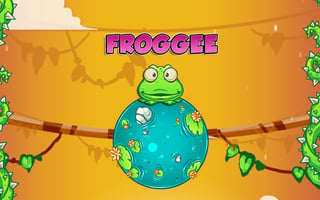
Froggee
Play nowAdvertisement
Froggee is a casual animal-themed browser game where you guide a frog through various obstacles and challenges.
Desktop controls
On desktop, you typically use the mouse to click or drag the frog and the keyboard arrows or WASD keys to move it, jump, or interact with objects.
Mobile controls
On mobile, touch controls usually involve tapping to make the frog jump or swipe gestures to move it in different directions.
Tips
- Tap or click precisely to time jumps over hazards
- Use directional keys or swipes to navigate tight spaces
- Watch the frog’s position to avoid falling into water or missing platforms
Sponsored
More about Froggee
Play something similar
See all





Advertisement