
Guide · Kids
Funny Hair Salon Controls (Desktop)
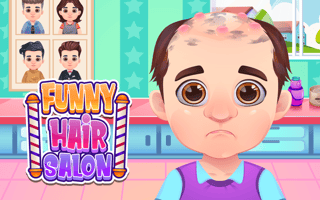
Funny Hair Salon
Play nowAdvertisement
Step into the whimsical world of Funny Hair Salon where you style silly looks for playful characters.
Desktop controls
Use the mouse to select tools, click and drag hair strands, and press keyboard shortcuts (like Z for undo) to fine‑tune cuts. Click on icons to change colors or accessories and use the scroll wheel to zoom in on details.
Touch play
Not tested on touch screens.
Tips
- Not tested on touch screens.
- Use the undo button frequently to correct mistakes quickly.
Sponsored
More about Funny Hair Salon
Play something similar
See all





Advertisement