
Guide · Simulation
Gas Station - Stick Simulator Controls (Desktop)
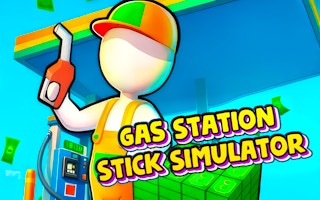
Gas Station - Stick Simulator
Play nowAdvertisement
Manage a virtual gas station by serving customers, handling fuel pumps, and maintaining the shop in this casual simulation.
Desktop controls
Use the mouse to click on pumps, registers, and inventory items, and press keyboard shortcuts (e.g., number keys) to select tools or speed up actions. Drag‑and‑drop items with the mouse to restock shelves or arrange equipment.
Touch play
Not tested on touch screens.
Tips
- Not tested on touch screens.
- Use keyboard shortcuts for common actions like refueling or opening the cash register
- Zoom out to see the whole layout and plan efficient routes for restocking
Sponsored
More about Gas Station - Stick Simulator
Play something similar
See all







Advertisement