
Guide · Fighting
Gladiator Fights Controls (Desktop)
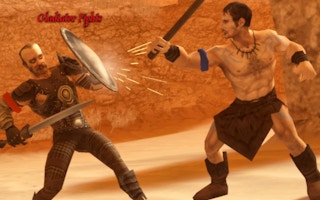
Gladiator Fights
Play nowAdvertisement
Step into the arena and battle opponents using fast-paced melee combat in Gladiator Fights.
Desktop controls
Use the keyboard to move (arrow keys or WASD) and attack with keys like J, K, L for punches, kicks, and special moves; mouse clicks can be used for targeting or blocking. Combine directional inputs with attack keys for combos and press a dedicated key (e.g., Shift) to dodge or block.
Touch play
Not tested on touch screens.
Tips
- Practice timing your attacks to avoid leaving yourself open for counters
- Use the block or dodge button frequently to reduce damage from heavy hits
- Combine directional inputs with attack keys to perform simple combos and keep pressure on your opponent
Sponsored
More about Gladiator Fights
Play something similar
See all






Advertisement