
Guide · Shooter
Golf Hunting 3D Controls (Desktop)
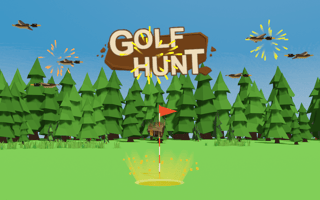
Golf Hunting 3D
Play nowAdvertisement
Golf Hunting 3D blends shooting action with a 3‑D environment you navigate in your browser.
Desktop controls
Use the mouse to aim and click to fire, while WASD keys move your character forward, backward and sideways; the mouse wheel often adjusts zoom or weapon range.
Touch play
Not tested on touch screens.
Tips
- Keep your aim steady by moving the mouse slowly rather than jerking it
- Use the movement keys to strafe around enemies instead of staying stationary
- Not tested on touch screens.
Sponsored
More about Golf Hunting 3D
Play something similar
See all

Advertisement