
Guide · Educational
Good Habits Controls - How to Play (Desktop & Mobile)
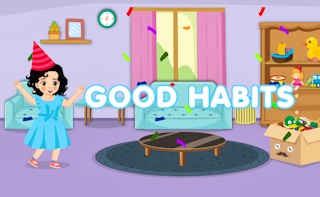
Good Habits
Play nowAdvertisement
Good Habits is an educational browser game that encourages positive routines through simple interactive challenges.
Desktop controls
Use the mouse to click on objects and the keyboard arrows or WASD keys to navigate menus and move characters; space or Enter often confirms actions.
Mobile controls
Tap icons or objects to select them and swipe or drag to move characters or interact with elements; pinch gestures may zoom if needed.
Tips
- Keep your cursor steady when selecting small items to avoid misclicks
- Use keyboard shortcuts for faster navigation, like Enter to confirm and Esc to go back
- On touch devices, a light tap selects while a longer press may reveal extra options
Sponsored
More about Good Habits
Play something similar






Advertisement