
Guide · Fighting
Grenade Hit Stickman Controls (Desktop)
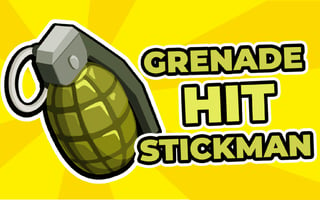
Grenade Hit Stickman
Play nowAdvertisement
Grenade Hit Stickman is a fast‑paced fighting game where you control a stick figure armed with explosive attacks.
Desktop controls
Use the keyboard arrows or WASD keys to move, and mouse clicks or specific keys (like space or J/K) to throw grenades and perform melee attacks.
Touch play
Not tested on touch screens.
Tips
- Aim your throws by positioning the cursor before clicking
- Combine movement with timed attacks to avoid enemy fire
- Use quick clicks for melee strikes while keeping distance for grenade throws
Sponsored
More about Grenade Hit Stickman
Play something similar
See all

Advertisement