
Guide · Sports
Grimace Penalty Controls (Desktop)
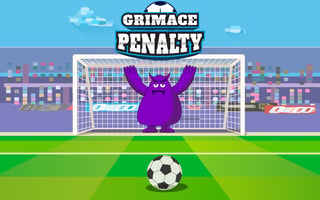
Grimace Penalty
Play nowAdvertisement
Grimace Penalty puts you in the shoes of a player taking crucial penalty kicks in a fast‑paced sports challenge.
Desktop controls
Use the mouse to aim the shot direction and click to set power, with the keyboard arrows often adjusting aim or power precisely; space bar may confirm the kick.
Touch play
Not tested on touch screens.
Tips
- Not tested on touch screens.
- Use small adjustments with arrow keys or on‑screen sliders to fine‑tune aim
- Watch the goalkeeper’s movement and aim slightly away from their dive
Sponsored
More about Grimace Penalty
Play something similar
See all


Advertisement