
Guide · Kids
Head Puzzle Shooter Controls (Desktop)
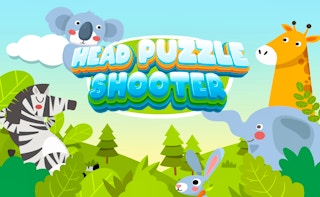
Head Puzzle Shooter
Play nowAdvertisement
Head Puzzle Shooter is a colorful, kid‑friendly browser game where you aim and fire at targets while solving simple puzzles.
Desktop controls
Use the mouse to aim the crosshair and click to shoot; the keyboard arrows or WASD can move your character or cursor if needed. Press space or a designated key to activate any special actions like pausing or resetting the level.
Touch play
Not tested on touch screens.
Tips
- Keep your aim steady by gently moving the mouse rather than rapid jerks
- Not tested on touch screens.
- If the game offers a pause button, use it to regroup before tackling a new puzzle
Sponsored
More about Head Puzzle Shooter
Play something similar
See all







Advertisement