
Guide · Hidden-Object
Hunters and Props Controls (Desktop)
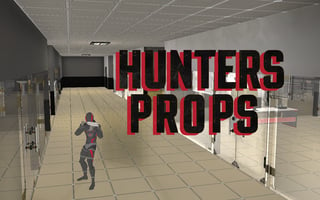
Hunters and Props
Play nowAdvertisement
Not tested on touch screens.
Desktop controls
Use the mouse to click and drag the view, hover over objects to highlight them, and click to select hidden items; keyboard shortcuts may let you toggle hints or zoom the scene.
Touch play
Not tested on touch screens.
Tips
- Zoom in for finer detail when objects are hard to see
- Use the hint button sparingly to reveal outlines of hidden items
- Pan slowly to ensure you don’t miss small, tucked‑away objects
Sponsored
More about Hunters and Props
Play something similar






Advertisement