
Guide · Hidden-Object
Italian Brainrot: Find the Difference Controls (Desktop)
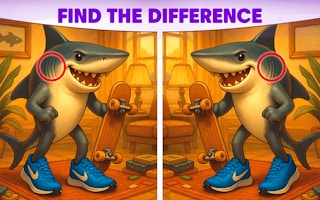
Italian Brainrot: Find the Difference
Play nowAdvertisement
Italian Brainrot: Find the Difference challenges you to spot subtle variations between two similar scenes.
Desktop controls
Use the mouse to hover over and click on differences; left‑click selects an area, and the cursor changes to indicate a found spot. Keyboard shortcuts may let you reset or toggle hints, typically via the R or H keys.
Touch play
Not tested on touch screens.
Tips
- Zoom in to examine intricate details before clicking.
- Hover briefly over suspicious spots to confirm they’re differences before selecting.
- Not tested on touch screens.
Sponsored
More about Italian Brainrot: Find the Difference
Play something similar








Advertisement