
Guide · Simulation
Junkyard Keeper Controls (Desktop)
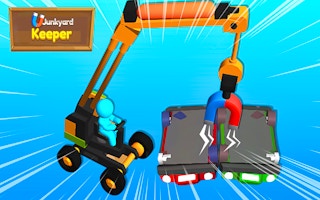
Junkyard Keeper
Play nowAdvertisement
Junkyard Keeper lets you manage a chaotic scrapyard by organizing resources, crafting items, and expanding your operations.
Desktop controls
Use the mouse to click on menus, select items, and drag objects, while keyboard shortcuts (e.g., number keys) often switch between building, inventory, and map screens. Hover tooltips provide quick info about actions and resources.
Touch play
Not tested on touch screens.
Tips
- Hover over objects to see their function before interacting
- Use keyboard shortcuts for faster access to frequent actions
- Not tested on touch screens.
Sponsored
More about Junkyard Keeper
Play something similar
See all







Advertisement