
Guide · Kids
Karate King Controls (Desktop)
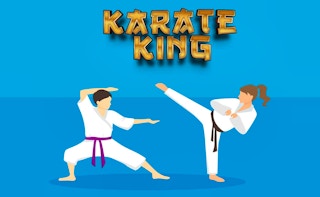
Karate King
Play nowAdvertisement
Step into the dojo as a young martial artist and master simple karate moves to complete fun challenges.
Desktop controls
Use the arrow keys or WASD to move your character and the space bar or mouse click to perform punches and kicks. Timing your attacks with the on‑screen prompts lets you progress through each level.
Touch play
Not tested on touch screens.
Tips
- Not tested on touch screens.
- Use the edges of the screen to move quickly and avoid obstacles
Sponsored
More about Karate King
Play something similar
See all







Advertisement