Guide · Kids
Kids Kitchen - Frequently Asked Questions
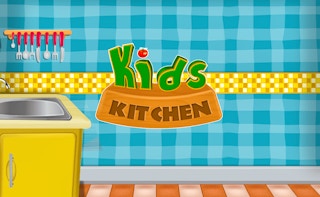
Is Kids Kitchen free to play?
Yes. Kids Kitchen plays free in your browser on Pixelsprout.
Can I play Kids Kitchen on a mobile device?
Not tested on touch screens.
What are the basic controls for Kids Kitchen?
Use the mouse to select ingredients, drag them to the cooking stations, and click a “cook” button to start each recipe.
Is the game suitable for very young children?
The game uses simple drag‑and‑drop mechanics, bright graphics, and no timed pressure, making it appropriate for preschool‑age kids.
What makes Kids Kitchen fun for kids?
Kids love mixing colorful foods, seeing animated dishes come together, and earning playful stickers or badges for completing recipes.
Are there any confusing parts that new players should watch out for?
Sometimes the ingredient icons look similar, so double‑check the label before adding them to a recipe to avoid mismatched dishes.
Does Kids Kitchen have any difficulty levels?
The game gradually introduces new recipes and kitchen tools, but there is no selectable difficulty setting; the challenge increases naturally as you progress.