
Guide · Shooter
Kill the Zombies Game Controls (Desktop)
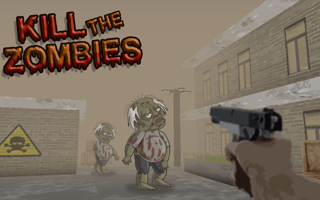
Kill the Zombies Game
Play nowAdvertisement
Fight off endless waves of zombies in this fast‑paced browser shooter.
Desktop controls
Use the mouse to aim and click to fire, while WASD keys move your character around the arena; additional keys like Space or Shift can be used for sprinting or reloading.
Touch play
Not tested on touch screens.
Tips
- Keep moving to avoid being surrounded by zombies
- Aim at the head for faster kills if the game allows
- Reload during safe moments to maintain a steady fire rate
Sponsored
More about Kill the Zombies Game
Play something similar
See all



Advertisement