Guide · Arcade
Mini Springs - Frequently Asked Questions
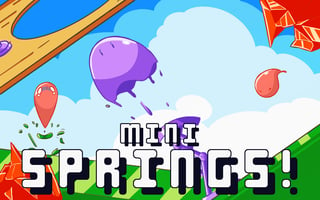
Is Mini Springs free to play?
Yes, Mini Springs is free to play, allowing you to jump into the action without any initial cost.
Can I play Mini Springs on my mobile device?
Mini Springs is free to play in your web browser on Pixelsprout, with no download. Not tested on touch screens.
How do I control my character in Mini Springs?
Not tested on touch screens. The exact controls may be explained in the game's tutorial or options menu.
What is the difficulty level of Mini Springs like?
As an arcade game, Mini Springs likely starts off easy and gradually increases in difficulty as you progress through levels, introducing new challenges and obstacles to overcome. You can expect to face tougher enemies, tighter timing requirements, or more complex level designs as you advance.
What makes Mini Springs fun to play?
The fast-paced action, colorful graphics, and addictive gameplay of Mini Springs make it an enjoyable experience, with the satisfaction of completing challenging levels or achieving high scores being a major draw. The game's arcade nature also means it's easy to pick up and play in short sessions.
Why do I keep dying in Mini Springs?
If you're having trouble surviving in Mini Springs, it might be due to not timing your jumps correctly or failing to avoid obstacles, so practice and patience are key to improving your skills. Paying close attention to the game's level design and enemy patterns can also help you overcome common challenges.
How do I track my progress in Mini Springs?
You can likely track your progress in Mini Springs through in-game metrics such as score, level completion, or collectibles found, which are often displayed on a main menu or pause screen. Some arcade games also feature leaderboards to compare your performance with other players.