
Guide · Sports
Minigolf Master Controls (Desktop)
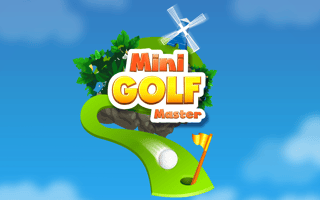
Minigolf Master
Play nowAdvertisement
Minigolf Master lets you aim and shoot golf balls through whimsical courses directly in your browser.
Desktop controls
Use the mouse to click and drag to set the direction and power of your shot, then release to strike; you can also adjust the angle with arrow keys for fine‑tuning. Keyboard shortcuts like space bar may also trigger a shot after aiming.
Touch play
Not tested on touch screens.
Tips
- Practice the drag length to control shot strength accurately
- Use the preview line (if available) to line up straight shots
- Zoom in on tricky obstacles for better placement
Sponsored
More about Minigolf Master
Play something similar
See all




Advertisement