
Guide · Fighting
MMA Fighter Simulator Controls (Desktop)
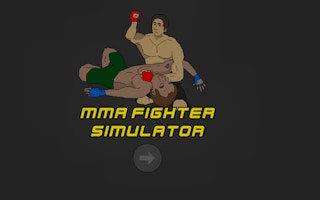
MMA Fighter Simulator
Play nowAdvertisement
Step into the octagon and test your striking and grappling skills in this fast‑paced MMA fighting simulator.
Desktop controls
Use the keyboard for movement (arrow keys or WASD) and assign punches, kicks, blocks and grapples to keys like J, K, L, and ; while the mouse can be used to aim strikes or select combos. Timing your attacks and using defensive moves such as blocks or dodges is essential for success.
Touch play
Not tested on touch screens.
Tips
- Practice combos by pressing attack keys in quick succession to chain strikes.
- Use the block or dodge button frequently to avoid taking damage and create counter‑attack opportunities.
- Watch your opponent’s movement and time your grapples when they are vulnerable.
Sponsored
More about MMA Fighter Simulator
Play something similar
See all






Advertisement