
Guide · Kids
Monster Hospital Controls (Desktop)
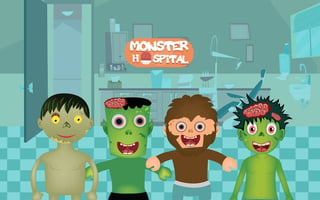
Monster Hospital
Play nowAdvertisement
Help cute monsters get better by using simple tools and caring for them in this friendly kids’ game.
Desktop controls
Use the mouse to click on objects and drag items to the monsters, while keyboard arrows may let you move the view or select options. Clicking on icons will open menus for treatments or upgrades.
Touch play
Not tested on touch screens.
Tips
- Not tested on touch screens.
- Keep an eye on visual cues that show when a monster needs attention
Sponsored
More about Monster Hospital
Play something similar
See all






Advertisement