
Guide · Educational
My First 100 Words Controls - How to Play (Desktop & Mobile)
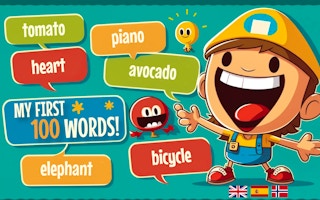
My First 100 Words
Play nowAdvertisement
A simple educational game that helps children learn their first 100 words through interactive activities.
Desktop controls
Use the mouse to click on images or words and the keyboard to navigate menus or type answers when prompted.
Mobile controls
Tap on pictures or words to select them and swipe or use on-screen buttons to move between activities.
Tips
- Hover over items with the mouse to see highlights before clicking
- Tap carefully to avoid accidental selections on small touch targets
- Use the keyboard’s arrow keys to quickly move through menus when available
Sponsored
More about My First 100 Words
Play something similar





Advertisement