
Guide · Drawing
NartG Draw Beginner's Guide - How to Get Started
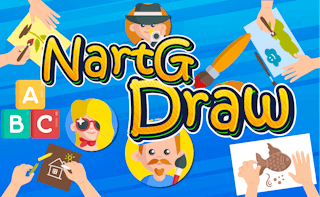
NartG Draw
Play nowAdvertisement
NartG Draw lets you create artwork directly in your browser with simple tools and an easy‑to‑use interface.
What is NartG Draw?
This is a browser‑based drawing game where you use mouse controls to sketch, color, and fill shapes on a digital canvas. It typically offers basic brushes, color palettes, and undo options, allowing you to experiment with freeform art or follow simple prompts.
First steps
- Open the game and choose a blank canvas or a starter template if offered
- Select a brush size and color from the palette
- Begin drawing by clicking and dragging on the canvas
- Use the eraser or undo button to correct mistakes
- Save or share your finished drawing using the provided export option
Who it's for
Anyone who enjoys casual, creative drawing without needing advanced graphics software.
Sponsored
More about NartG Draw
Play something similar
See all
Advertisement