
Guide · Arcade
Paco Paco - Frequently Asked Questions
Is Paco Paco free to play?
Yes. Paco Paco is free to play in your web browser on Pixelsprout, with no download. You can start playing right away without spending any money.
Can I play Paco Paco on my mobile device?
Not tested on touch screens.
How do I control Paco in the game?
Not tested on touch screens. The controls are simple and intuitive, allowing you to focus on the game's challenging levels.
How difficult is Paco Paco to play?
Paco Paco starts off relatively easy, but the difficulty level increases quickly as you progress through the levels, with tougher enemies and obstacles to overcome. The game requires a combination of quick reflexes and strategic thinking to succeed.
What makes Paco Paco fun to play?
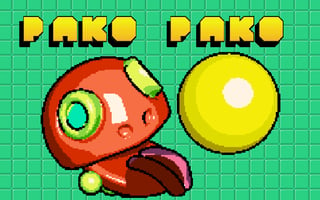
Paco Paco is fun to play because of its fast-paced action, colorful graphics, and addictive gameplay, which challenges you to complete levels as quickly as possible while collecting power-ups and avoiding enemies. The game also features a variety of levels with unique themes and obstacles, keeping the gameplay fresh and exciting.
Why does Paco sometimes get stuck or move in the wrong direction?
Paco may get stuck or move in the wrong direction if you press multiple direction keys at the same time or if the game is experiencing lag due to a slow internet connection. Try releasing all keys and then pressing the desired direction key again to resolve the issue.
Can I customize Paco's appearance or abilities in the game?
While you can't customize Paco's appearance, you can collect power-ups and upgrades throughout the game that give Paco new abilities, such as increased speed or invincibility, which can help you complete levels more easily.







