
Guide · Drawing
Paint with Diamonds Controls (Desktop)
Paint with Diamonds
Play nowAdvertisement
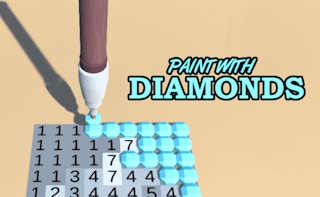
Paint with Diamonds lets you create colorful artwork by placing diamond-shaped brushes on a canvas.
Desktop controls
Use the mouse to click and drag across the canvas to draw, and the keyboard shortcuts (e.g., Z for undo, S for save) for quick actions; scroll wheel can adjust brush size.
Touch play
Not tested on touch screens.
Tips
- Hold Shift while drawing to create straight lines
- Not tested on touch screens.
Sponsored
More about Paint with Diamonds
Play something similar
See all






Advertisement