
Guide · Sports
Penalty Kick Wiz Controls (Desktop)
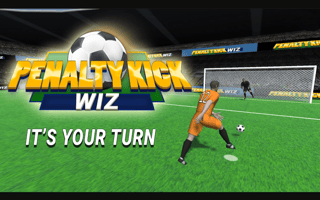
Penalty Kick Wiz
Play nowAdvertisement
Penalty Kick Wiz lets you step up to the virtual goal and take precise shots at the net.
Desktop controls
On desktop you usually aim by moving the mouse to position the ball and click to set power, or use the arrow keys to adjust direction and the space bar to kick. Some versions may let you drag a power bar with the mouse before releasing to shoot.
Touch play
Not tested on touch screens.
Tips
- Align the ball with the target area before setting power
- Not tested on touch screens.
- Adjust the aim slightly after each kick to account for goalkeeper movement
Sponsored
More about Penalty Kick Wiz
Play something similar
See all





Advertisement