
Guide · Simulation
Pixels Supermarket Simulator Beginner's Guide - How to Get Started

Pixels Supermarket Simulator
Play nowAdvertisement
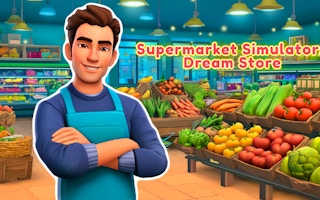
Step into the bustling aisles of Pixels Supermarket Simulator, a light‑hearted simulation where you run your own pixelated grocery store.
What is Pixels Supermarket Simulator?
In this type of simulation game you manage resources, stock shelves, and serve customers while balancing profit and satisfaction. You’ll handle tasks like ordering inventory, setting prices, and keeping the store tidy, all in a charming retro pixel art style.
First steps
- Start by familiarizing yourself with the main dashboard where you can view cash, inventory levels, and customer queues.
- Purchase a basic stock of popular items to fill the shelves and attract shoppers.
- Set reasonable prices for each product to encourage sales without hurting your margins.
- Watch the first wave of customers and fulfill their orders promptly to build a good reputation.
- Use the earnings from early sales to expand your stock variety and upgrade store equipment.
Who it's for
Perfect for casual players who enjoy strategic planning and the satisfaction of building a thriving virtual business.
Sponsored
More about Pixels Supermarket Simulator
Play something similar
See all






Advertisement