
Guide · Sports
Pool 8 Ball Controls (Desktop)
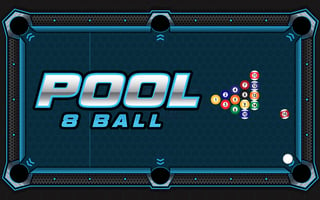
Pool 8 Ball
Play nowAdvertisement
Pool 8 Ball lets you line up and pocket balls in a classic billiards setting using simple mouse input.
Desktop controls
Click and drag the cue stick with the mouse to aim, then pull back to set power before releasing to strike the cue ball; use the space bar or a right‑click to reset the shot if needed.
Touch play
Not tested on touch screens.
Tips
- Practice smooth, consistent drag motions for accurate aiming
- Adjust power gradually; a light pull gives better control for short shots
- Use the reset function to correct mis‑aims before committing the shot
Sponsored
More about Pool 8 Ball
Play something similar
See all







Advertisement