
Guide · Sports
Pool: 8 Ball Mania Controls (Desktop)

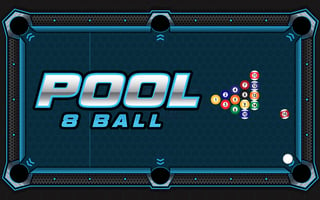
Pool: 8 Ball Mania
Play nowAdvertisement
Test your precision and strategy in this classic pool simulation where you aim to pocket all balls in order.
Desktop controls
Use the mouse to aim the cue stick by moving the cursor, click and hold to set power, then release to strike; keyboard shortcuts may adjust aim angle or cue ball placement.
Touch play
Not tested on touch screens.
Tips
- Align the cue carefully before shooting to improve accuracy
- Adjust power gradually; a lighter click is often better for positioning
- Use the table’s rails to plan bank shots and control cue ball movement
Sponsored
More about Pool: 8 Ball Mania
Play something similar
See all






Advertisement