Guide · Sports
Racing Project Kit - Frequently Asked Questions
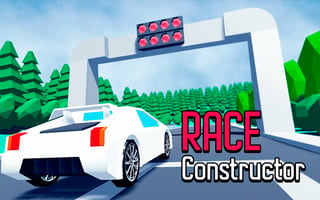
Is Racing Project Kit free to play?
Yes. Racing Project Kit is free to play in your web browser on Pixelsprout, with no download.
Can I play Racing Project Kit on a mobile device?
Not tested on touch screens.
What are the basic controls for driving?
Use the arrow keys or WASD to steer and accelerate, and the space bar to brake/reverse; some versions also support mouse drag for steering.
How difficult is the learning curve for new players?
The game starts with simple tracks and forgiving handling, but higher difficulty levels introduce tighter turns and faster AI opponents that require better timing and lane selection.
What makes Racing Project Kit fun compared to other browser racing games?
It offers a variety of car upgrades, customizable tracks, and real‑time leaderboards that keep players motivated to improve lap times.
Why do my car’s handling feel sluggish on some tracks?
Track surfaces and weather effects can affect grip, so the car may respond slower on dirt or wet sections, requiring smoother inputs.
Is there a way to save my progress or car upgrades?
Progress is saved locally in your browser’s storage, so you’ll keep your upgrades as long as you don’t clear cookies or cache.