
Guide · Memory
Robot Bar - Find the differences Tips and Strategy
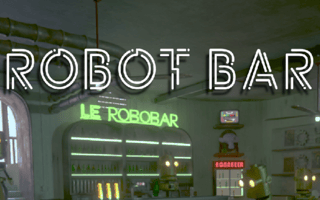
Robot Bar - Find the differences
Play nowAdvertisement
Robot Bar challenges you to spot subtle visual discrepancies between two robotic scenes, testing your observation and memory skills.
- Compare the two images side‑by‑side and scan them in a consistent pattern—such as top to bottom or left to right—to avoid missing isolated changes.
- Zoom in on crowded sections where multiple details are close together; small differences are often hidden among similar objects.
- Take a brief moment to memorize the overall layout before hunting for differences, then focus on one area at a time rather than jumping around.
- Use the game's hint or highlight feature sparingly; reserve it for especially tricky spots to maximize its usefulness.
- If a difference seems ambiguous, toggle between the two images quickly to catch flickering changes that are easy to overlook.
- Pay attention to color variations, missing or extra components on robots, and alterations in background elements like wires or panels.
- When you find a difference, mark it mentally before clicking, ensuring you don't mistake a nearby similar detail for the same change.
With systematic scanning and careful focus, you’ll quickly improve your ability to spot every hidden variation.
Sponsored
More about Robot Bar - Find the differences
Play something similar







Advertisement